 daili
daili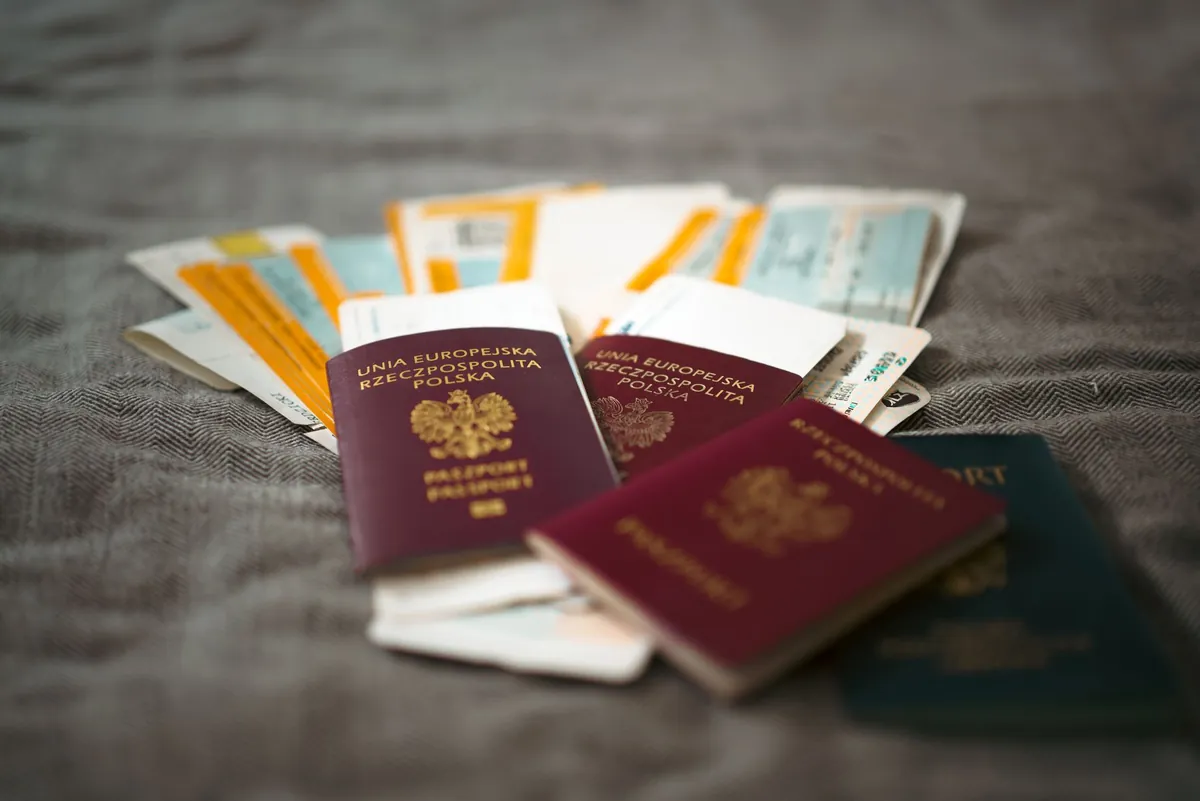
Where to Store Important Family Documents (Safe, Cloud, or Phone?)
Most advice on how to store important family documents ends at the same place: buy a fireproof safe, put everything in it, done. That is good advice for the fire. It is useless at 3pm on a Tuesday, when the school nurse asks for your daughter's vaccination record and your safe is eleven kilometres away, closed, in your bedroom.
Families need two different things from their documents, and they pull in opposite directions. Protection means the original survives a fire, a flood, or a burst pipe. Retrieval means you can produce the document within seconds, from wherever you happen to be standing. No single storage place does both well. The honest answer is that you need two, and they hold different things.
This guide compares the three real options, says plainly where each one fails, and gives you a simple split so you only have to decide once.
The three places families actually keep documents
Strip away the advice articles and every household is using some mix of three things:
- A physical container at home — a fireproof safe, a locked drawer, or (be honest) a shoebox on top of the wardrobe.
- A cloud drive — Google Drive, iCloud, Dropbox, OneDrive. Usually a folder called "Documents" or "Scans" that somebody set up once.
- A phone — photos taken in a hurry, sitting in the camera roll between holiday pictures and screenshots.
The third one is the least respected and the most used. Almost every parent already has a photo of an insurance card somewhere on their phone. The problem is not that they do it. The problem is that nobody has told them how to do it properly, so it stays a mess.
The fireproof safe: what it is good at, and what it is not
A fireproof safe is genuinely good at one job: keeping paper intact when the house burns.
The ratings are worth understanding, because the numbers are not obvious. A UL Class 350 safe is tested so that the inside stays below 350°F (about 175°C) while the outside is heated to 1,700–1,850°F. Paper chars around 400°F, so that margin is what protects your documents. Most house fires burn between roughly 1,100°F and 1,300°F, so a properly rated safe is built for worse than the average fire.
Three things that catch people out:
- A 1-hour rating means one hour. Not "fireproof". If a fire burns long in that room, the rating runs out.
- Fire rating is not water rating. Most fire-rated safes are not waterproof unless they were separately tested for it. Fires are put out with water, and floods happen without fires. Check for both ratings, not one.
- Class 350 protects paper, not digital media. A USB stick or an SD card needs a Class 125 safe (interior below 125°F). Paper survives heat that destroys electronics.
Where the safe fails is retrieval. It is in one building. It is closed. Often only one adult knows the combination. If you are at the hospital, at the airport, or at a school office, the safe may as well not exist. It is a protection tool, not an access tool — and treating it as both is the mistake almost every household makes.
A bank safe deposit box has the same shape of problem, harder. It is safer from fire and theft, but you can only reach it during bank hours, and the contents are not insured by the bank or by the FDIC — deposit insurance covers money in accounts, not objects in a box. If you use one, insure the contents separately through your home policy and keep a list of what is in there.
Cloud drives: the convenience, and the exposure
A cloud folder solves retrieval. Your documents are on every device you own, searchable, and they survive the house burning down.
Then it introduces new problems that paper never had:
- Your documents are only as safe as your account. One reused password, one phishing email, and a stranger has your passports, your birth certificates, and your bank letters in one convenient folder. Two-factor authentication is not optional here.
- Lockout is a real risk. People lose access to their own cloud accounts more often than they lose their houses to fire. A locked account with no recovery phone number is a very modern way to lose everything at once.
- You are trusting a company's policies. Read what your provider says it scans, and where it stores data. For most families this is an acceptable trade. It should still be a decision, not an accident.
- It needs a connection. In a hospital basement, on a plane, or abroad with no data, a cloud-only document is a document you do not have.
Cloud storage is a good answer for the household paperwork you need occasionally — the tenancy agreement, the warranty, the tax letter. It is a weaker answer for the six or seven documents you need instantly and under stress.
On the phone, offline: the option nobody writes about
Here is the case almost no article covers, and it is the one that actually happens.
The school calls. Your son fell in the playground, they are taking him to be checked, and they need his insurance details and his allergy list. You are at work. You have your phone and about ninety seconds of usable attention.
Nothing in a safe helps you. A cloud folder helps only if you remember the folder name, the signal holds, and you are still logged in.
What helps is a small, deliberate set of documents stored on the phone itself, offline, in one named place — not scattered through the camera roll. Six or seven files, no more: the insurance card, the vaccination record, an allergy and medication sheet, a consent letter, an ID page, and the doctor's details.
Two rules make the difference between this working and not working:
- Not the camera roll. A photo of a passport in the camera roll is a photo that gets auto-uploaded to a cloud backup, appears in shared albums, shows up when you hand someone your phone to look at holiday pictures, and cannot be found when you need it. Keep these files somewhere separate and named.
- Offline, not synced-on-demand. If the file only downloads when there is signal, it is not available when there is none.
This is the part of document storage that the "buy a safe" advice has never addressed, and it is the part parents use most.
The retrieval test: ten seconds, no signal
Before you build any system, test the one you already have. Put your phone in airplane mode and try to produce your child's vaccination record in ten seconds.
Most people cannot. That is not a failure of discipline — it is a failure of where the file lives. If the test fails, the fix is not "be more organised". The fix is to move about six documents to a place that passes the test, and leave everything else where it is.
What to store where
A simple split that holds up:
| Document | Original | Instant copy |
|---|---|---|
| Passports, birth and marriage certificates | Fireproof safe or bank box | Phone, offline |
| Health insurance card | Wallet | Phone, offline |
| Vaccination records | Safe | Phone, offline |
| Allergy and medication sheet | — | Phone, offline |
| Consent or custody letters | Safe | Phone, offline |
| Property deeds, wills, insurance policies | Safe or bank box | Cloud |
| Tenancy agreements, warranties, tax letters | Filing drawer | Cloud |
| Bank cards, cash, spare keys | Safe | Never copied |
The rule underneath the table: originals go where they survive; copies go where you can reach them. Anything a stranger could use on its own — card numbers, full account details, signed blank forms — gets no digital copy at all.
Keeping it current without doing it twice
Any system that needs monthly maintenance will be abandoned by March. This one needs twenty minutes a year.
Pick a date you already remember — the start of the school year works well — and do three things: replace anything that expired, add anything new (a passport renewal, a new insurance card), and check that one other adult knows where everything is and can get to it. That last one is the step people skip, and it is the one that matters if you are the person in the ambulance rather than the one holding the phone.
Frequently asked questions
Is a photo of a passport legally valid?
Usually not as proof of identity. A copy is for reference — giving a hospital your insurance number, giving an airline a document number, proving to yourself which passport expires when. For anything official, you still need the original. That is exactly why copies and originals live in different places.
Where should the originals live?
In one place, and everyone who might need them should know where. A rated safe at home is right for most families because it stays accessible. A bank box is better protection but worse access; use it for things you will not need at short notice.
Do I need a safe AND a cloud folder AND the phone copies?
No. Most families need two: something that protects the originals, and one place that gives instant access. The phone set is small enough that adding it takes an evening, and it is the half most households are missing.
Keep reading
- What Happens to Your Family's Data When an App Is Sold
Almost every family app reserves the right to hand your data to a buyer. What the law actually requires, what the policies really say, and what to check.
- Your Family App Is Shutting Down: What to Do
An app you trusted with your family's calendar is closing. What to save first, how long you really have, and the one thing most people forget until it is gone.