 daili
daili


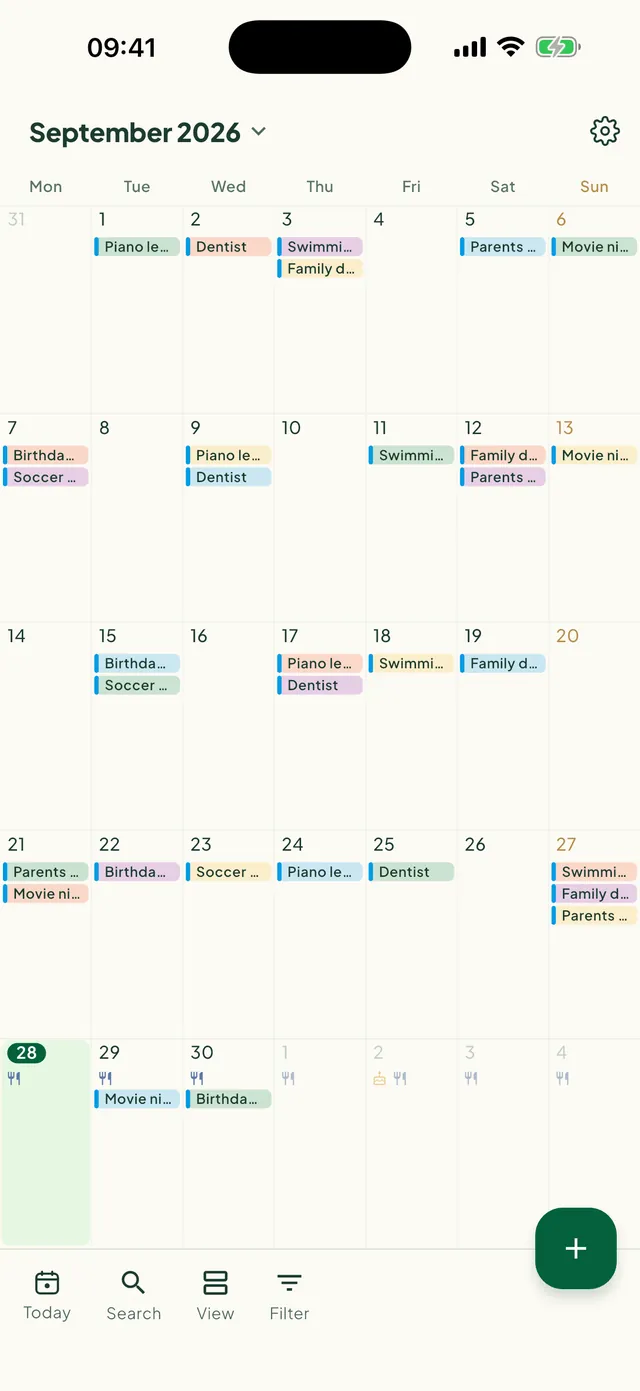
Your calendars, together
See the calendars already on your phone — Google, Outlook, iCloud — next to the family plan. Add public holidays for your country.
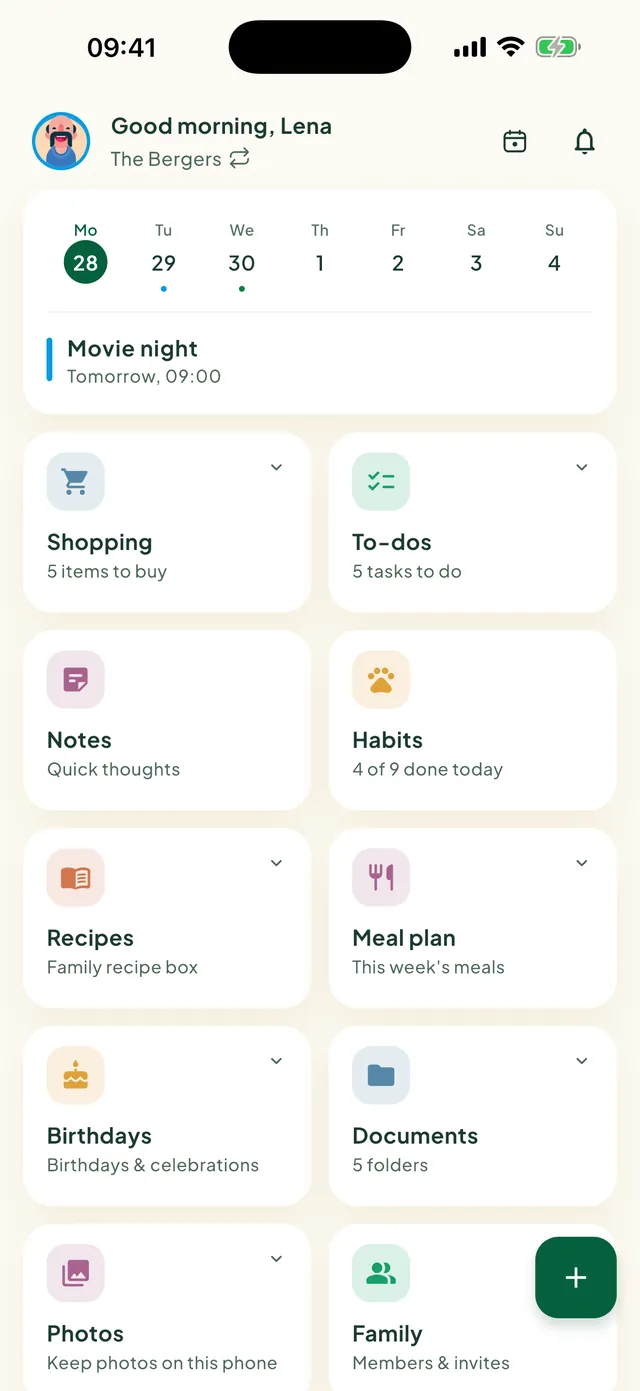
One calm place for your family's week: calendar, lists, to-dos, habits and notes that everyone can see. On every phone, on your wrist, and in the browser.
4.9 on Google PlayWorks with









Everything your family needs to know, in the places you already look.
One shared calendar for the whole family, every person in their own colour.
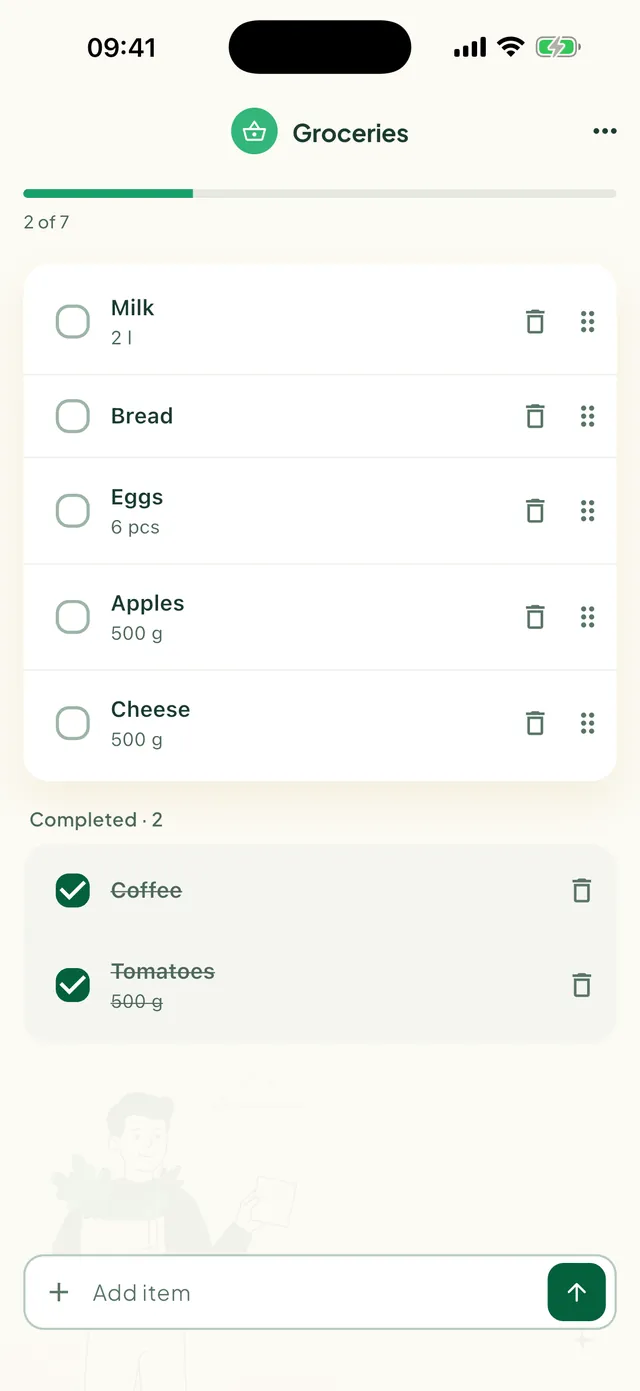
Add milk in the kitchen, tick it off in the shop. Everyone sees it straight away.
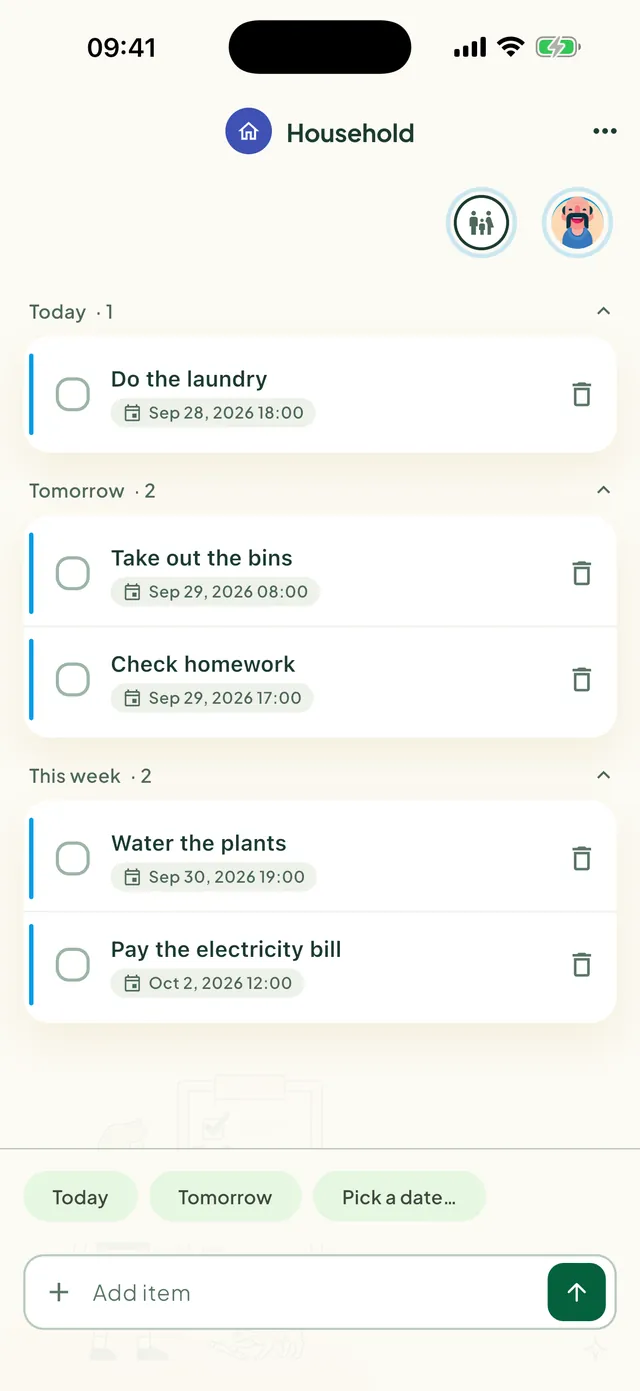
Chores and errands with a name on them, so nothing falls between two people.
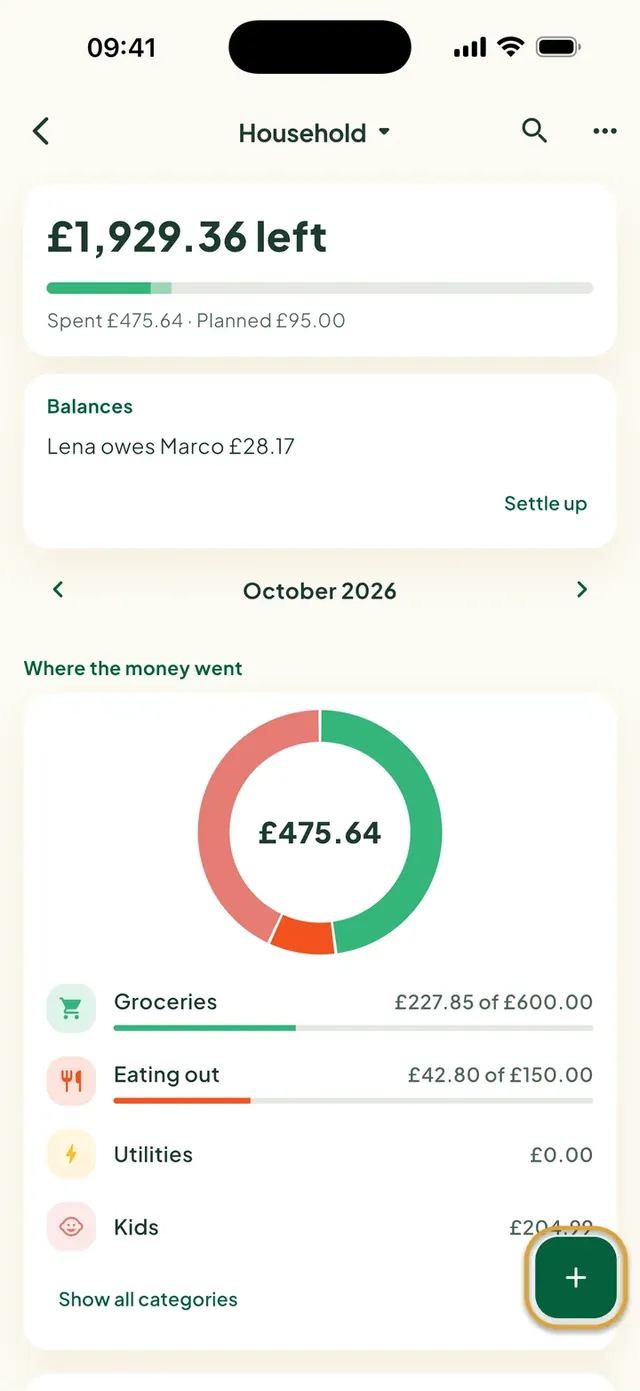
See what is left this month, where the money went, and who owes whom.
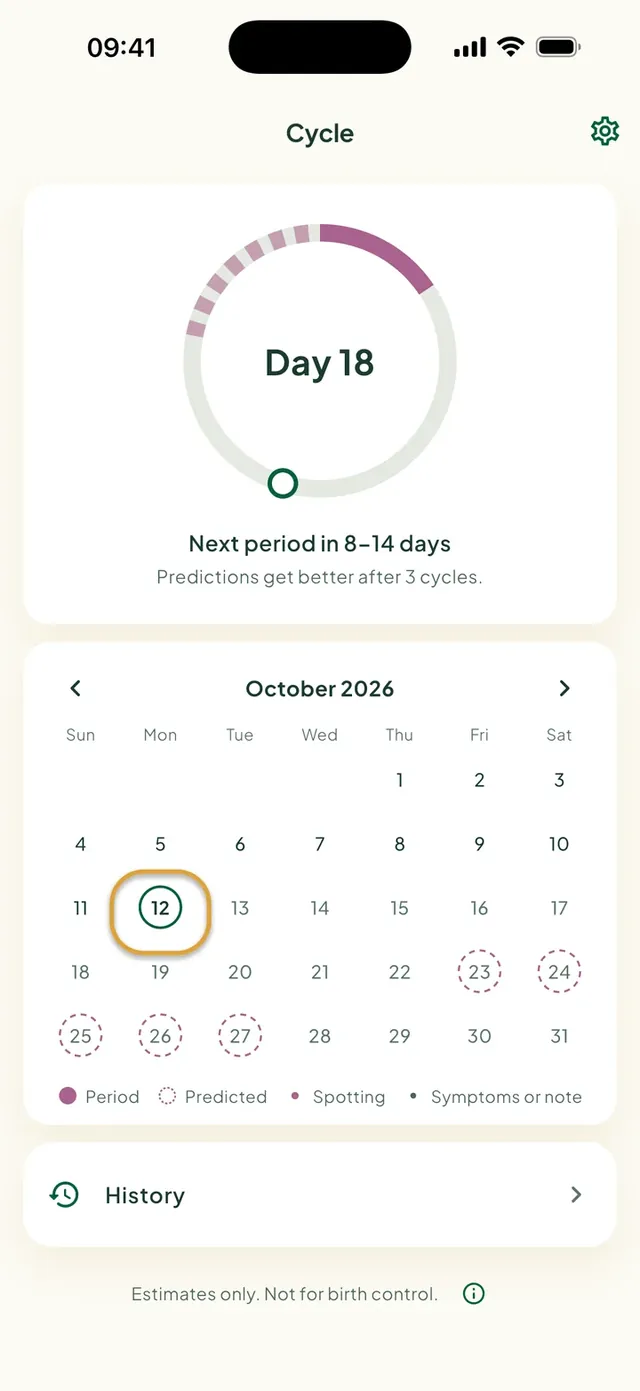
A private period tracker that stays on your phone.
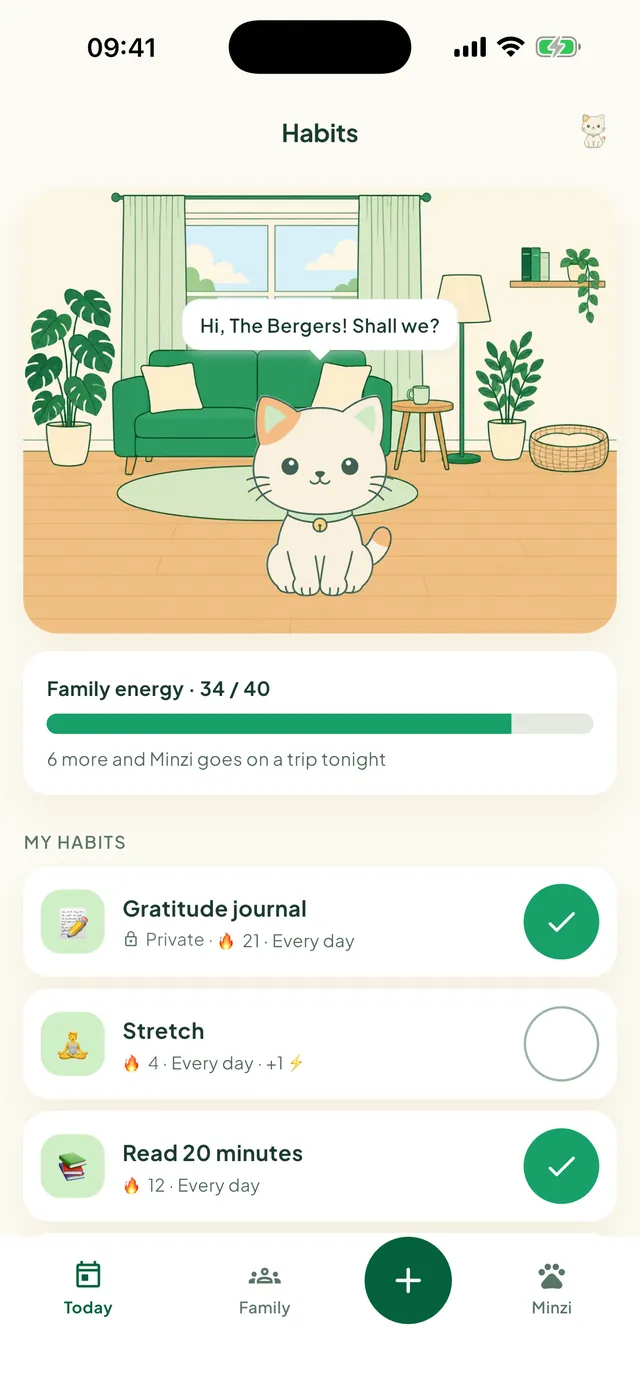
Small routines, done together. Every tick gives Minzi, your family cat, more energy.
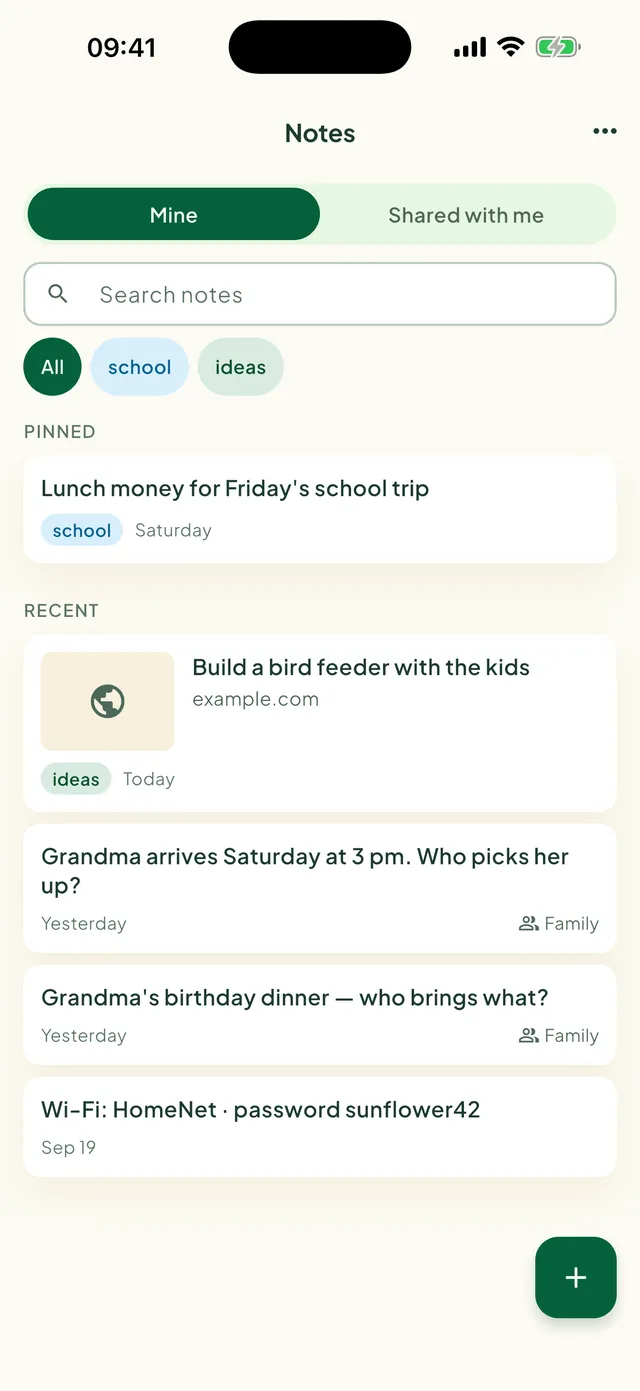
Quick thoughts, the Wi-Fi password, who picks up Grandma. Keep a note private or share it with the family.
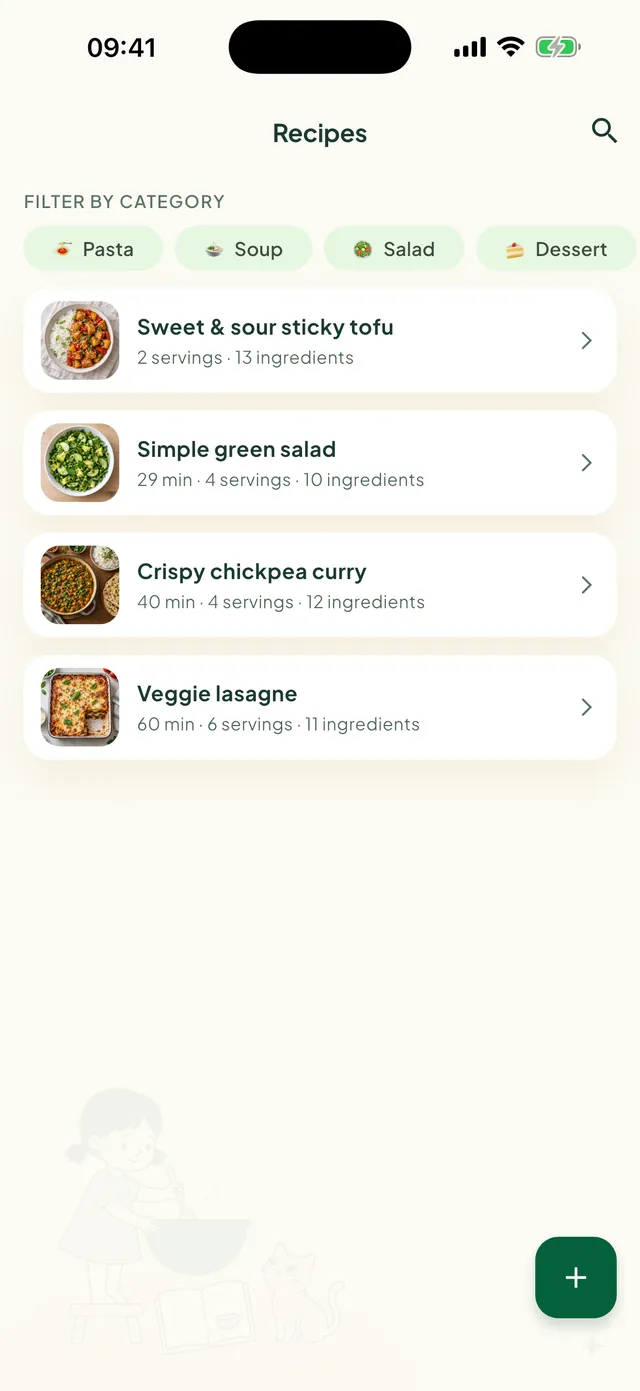
Keep the family favourites, or import one from a video or a photo. Send the ingredients to your list in one tap.
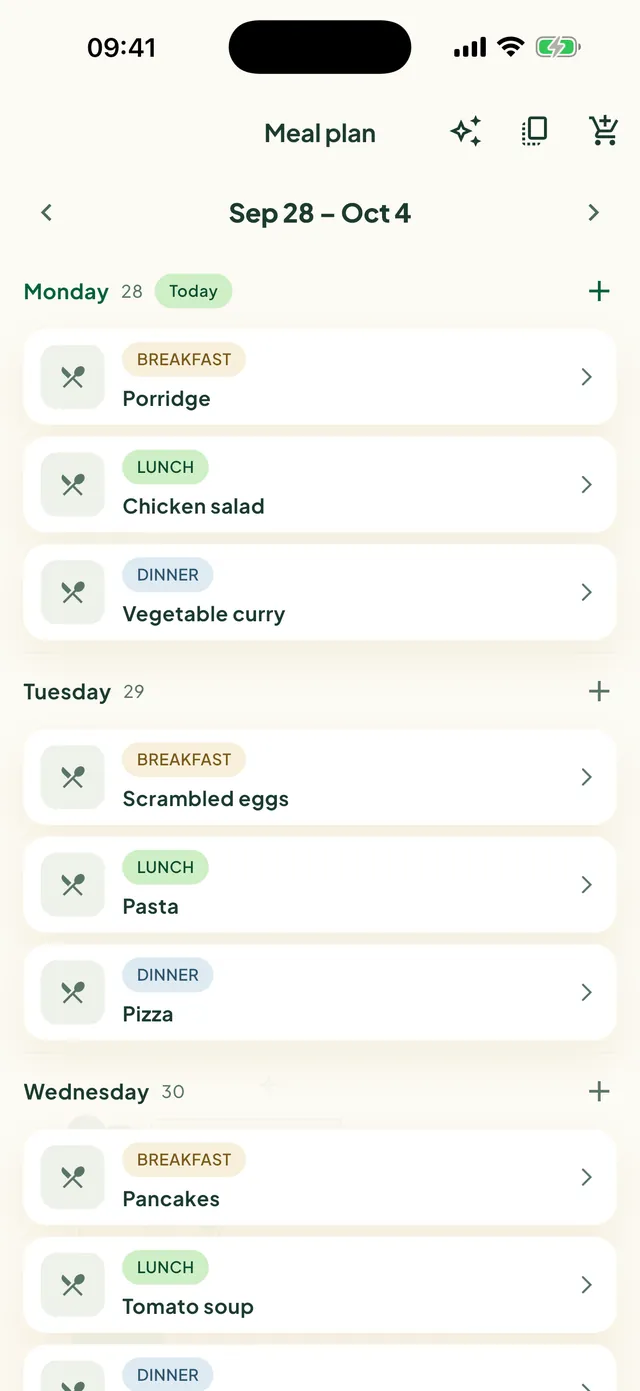
Plan breakfast, lunch and dinner for the week, so nobody asks what's for dinner at six.
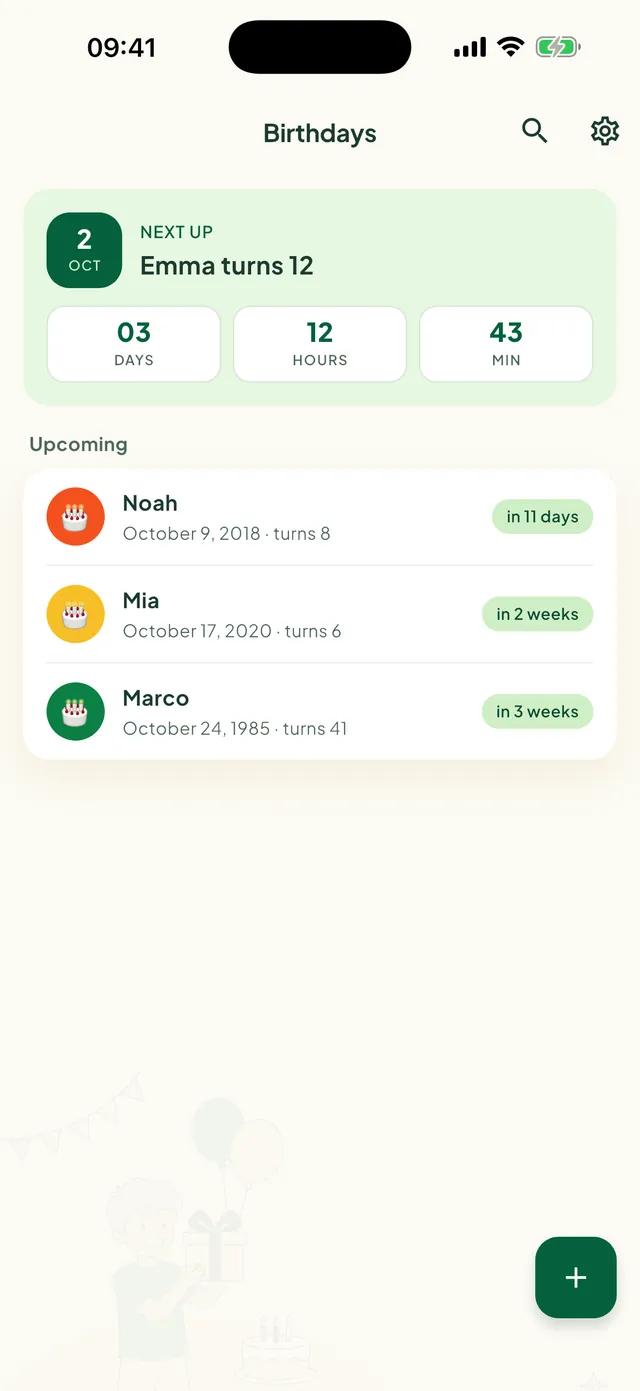
Countdowns for every birthday in the family, and a reminder in time to get the gift.
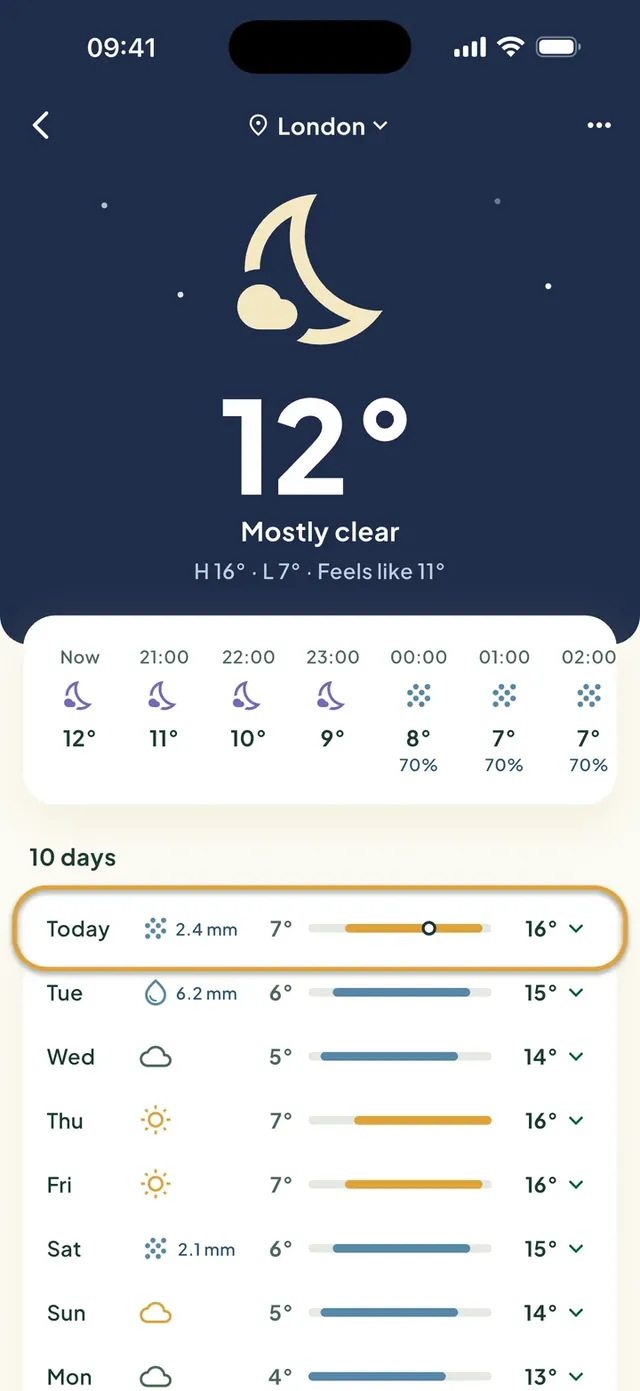
Today's weather on your Home screen, so you know if the kids need a jacket.
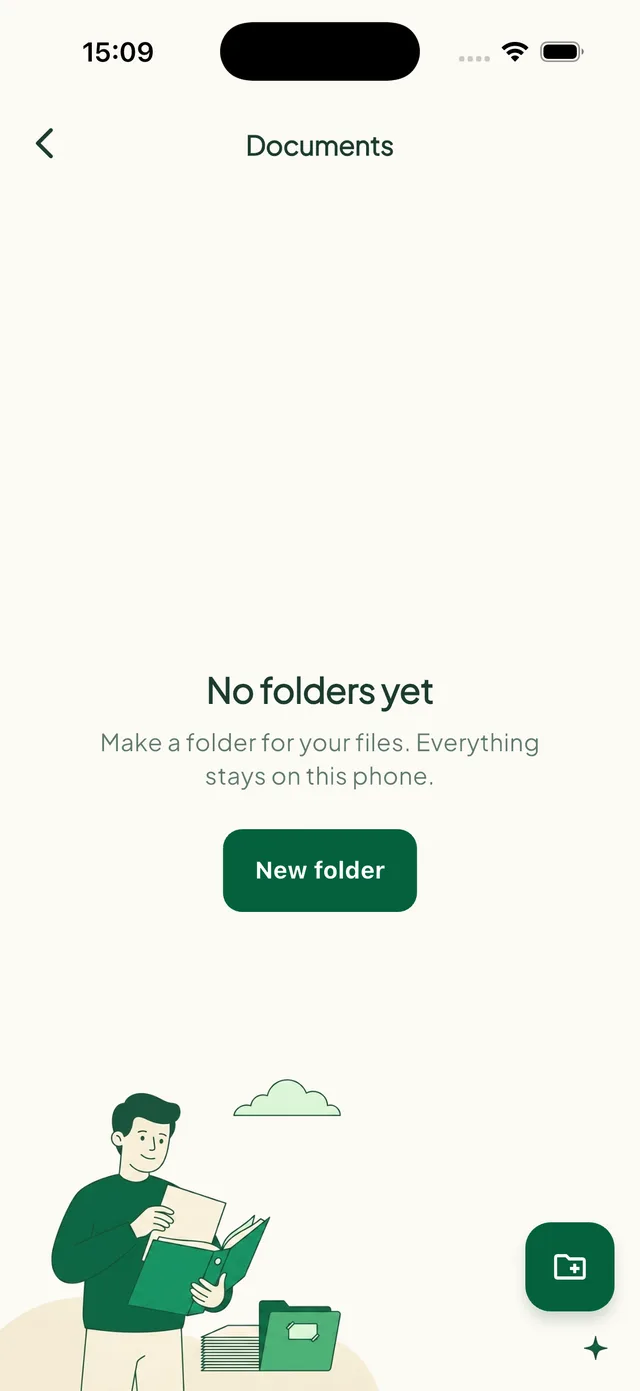
A private vault for passports and important papers, only on your phone.
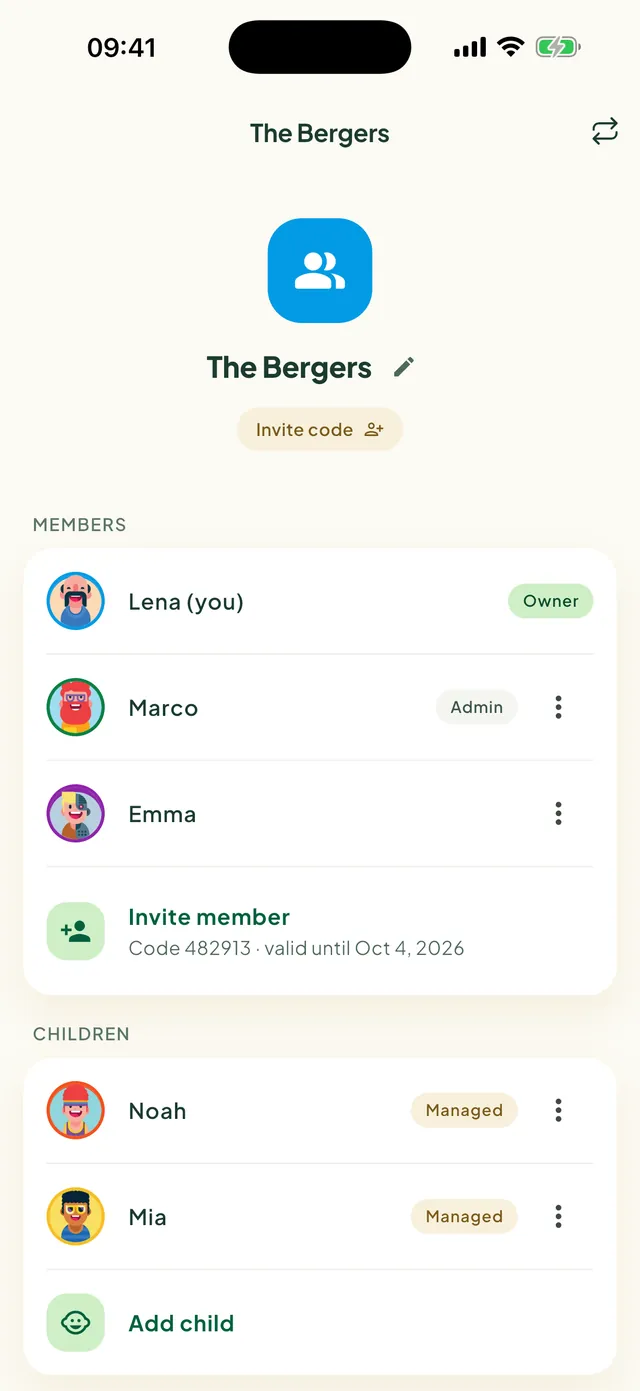
Invite everyone with a code, a link or a QR code, and add the kids who don't have a phone yet.
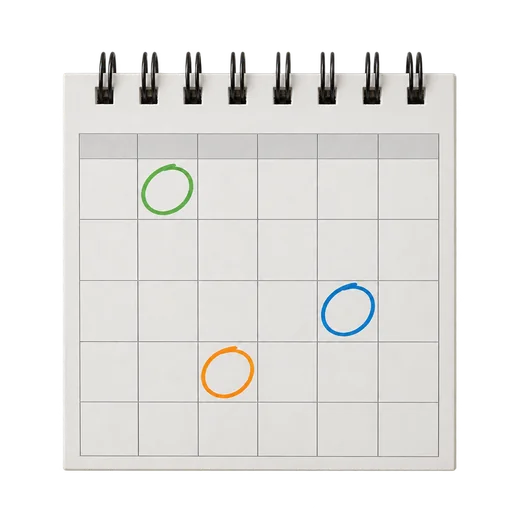
See the calendars already on your phone — Google, Outlook, iCloud — next to the family plan. Add public holidays for your country.
Smart helpers that turn videos, photos and ideas into plans, so you can get back to your family.
Paste a YouTube link. Daili writes down the ingredients and the steps for you.
Take a photo of the school letter. Daili finds the dates and adds them to your calendar.
Out of ideas? Get dinner suggestions for the whole week, then add the ones you like to your meal plan.
Daili Plus features use Google Gemini, and only when you use them. Every family gets 3 AI actions a month for free; Daili Plus gives 30, plus 5 GB of Daili cloud, for €9.99 a year.
Four everyday moments, start to finish.

Glance at your wrist, your home screen or the kitchen wall. The same family plan, everywhere.
What's next, tonight's dinner and your lists — tick off shopping, to-dos and habits right on your wrist.
Next up, shopping, habits, birthdays and quick add, right on your home screen.
Plan the week on a big screen at app.daili.app. The same family, the same plans.
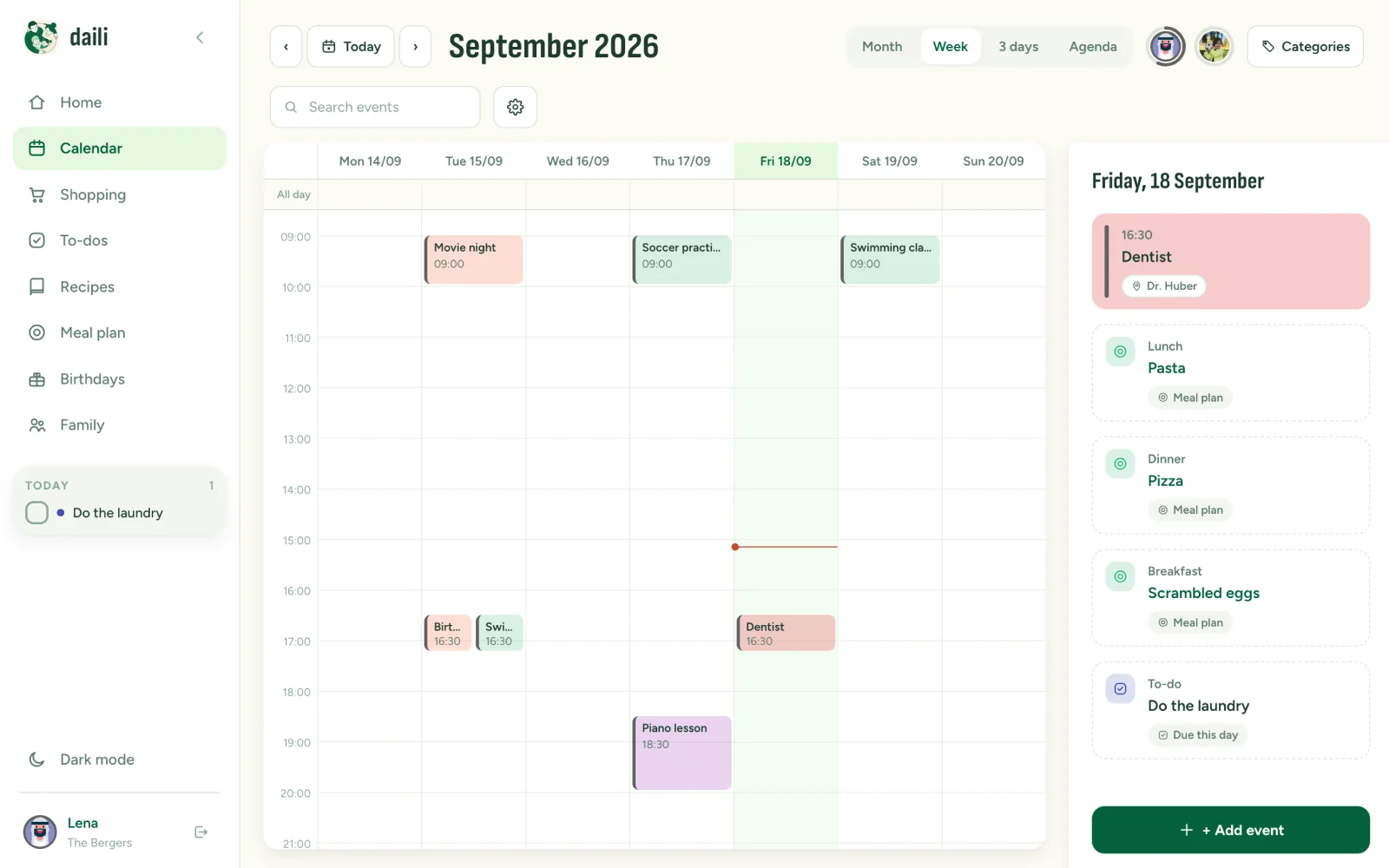
Turn an old tablet into a family board for the kitchen or the hallway. It shows the week and updates by itself.
iPhone and Android, in 25 languages. Grandma speaks Türkçe, the kids speak English? No problem.
Connect Daili to Claude or another AI app, then ask what's on this weekend or add milk to the list, right in the chat.
How to connectYour family's plans belong to your family. That is not a setting, it is how Daili is built.
Designed and built in Tirol, Austria, for the everyday chaos of busy families.
Start with one list. Add the calendar when you're ready. Daili grows with your family.










Daili is free to use — calendar, lists, to-dos, habits, notes, recipes and more, with no ads and no data selling. Daili Plus is optional: one yearly price for the whole family (€9.99 in the euro area; the app shows the price in your currency) gives you 30 AI actions a month and 5 GB of Daili cloud for note pictures and recordings. Every family gets 3 AI actions a month for free.
Yes. Open app.daili.app in any browser on your computer and sign in with the same account. Calendar, lists, meals, birthdays and family are all there; photos and documents stay on your phone. The web app is in English and German.
The app speaks 25 languages, fully — including the reminders it sends: English, German, French, Spanish, Italian, Dutch, Portuguese, Polish, Czech, Slovak, Swedish, Danish, Norwegian, Finnish, Turkish, Romanian, Bulgarian, Greek, Ukrainian, Indonesian, Thai, Japanese, Korean and Chinese (Simplified and Traditional).
iPhone and Android, from one shared family account. Everything syncs between them — and with the web app. There are home-screen widgets on both, and an Apple Watch app.
Yes. See what's next, tonight's dinner and the next birthday, tick off shopping, to-dos and habits, and add a shopping item or a quick note by voice. The watch needs a paired iPhone with Daili. More in Help
Yes — that's the point. Kids and teens get their own login and see their own tasks and events. Little ones without an email address get a managed profile a parent controls, which can be upgraded to a real login later. Parents are admins and can remove a profile and its data at any time.
Open Family and tap Invite member. Share the 6-digit code, the QR code or the link — each code lets one person join your family. Kids without a phone don't need to join: add them with Add child instead. More in Help
Yes. One account can be in up to 5 families or groups — your home, the grandparents, the sports club or the school class. Each has its own calendar and lists, and you switch in one tap. More in Help
Yes. Switch on Private event for an event, Only me for a list or Private task for a to-do, and only you can see it. Private items never show up for the rest of the family — not in the calendar, the lists or the activity feed. More in Help
You can read your calendar, lists and to-dos without a connection, and changes sync as soon as you're back online. Photos and documents in the vault are always offline — they live only on your phone.
Yes. Daili shows the calendars already on your phone — Google, Outlook, iCloud and others — next to the family calendar, on your device only. You can also add the public holidays for your country.
Yes, both free. Budget keeps track of shared spending and bills and splits costs fairly — no bank connection needed. Cycle is just for you: it stays on your phone and its backup, never on our servers, and nobody else in the family can see it. More in Help
Yes. Connect Daili to Claude or another AI app that supports MCP, then ask what's on today or tell it what to add. It only sees the family or group you choose — never Budget, Cycle or other people's private items. How to connect
Your calendar, lists and family data live on our servers in Germany (EU). Photos and documents in the vault never leave your phone. Note pictures and recordings stay on your phone too, unless you choose Daili cloud (part of Daili Plus), which also stores them in Germany. Details in the privacy policy.
In the app, open Settings, tap your name, then Delete account. You have 30 days to change your mind: sign in and tap Restore my account. After that, your account and data are deleted for good. Want a copy first? Tap Download my data before you start. More in Help


